DragonWriter
Keep your stories with you.
DragonWriter is currently in closed beta.
Look at the about page and docs (info icon in header or tabs on the left). If you are interested in helping to test this, register for an account.
Note: referrals are enabled, so you will need a referral code to register, which means you need to know an existing user. As I don't want to be inundated with requests, if you haven't already been given a referral code by me (or know me personally), or by another existing user, you cannot register yet.
Keeping it tight.
This is an online app written and maintained by a single lone dragon. There will be bugs. We'll leave beta when the bugs have been mostly exterminated.
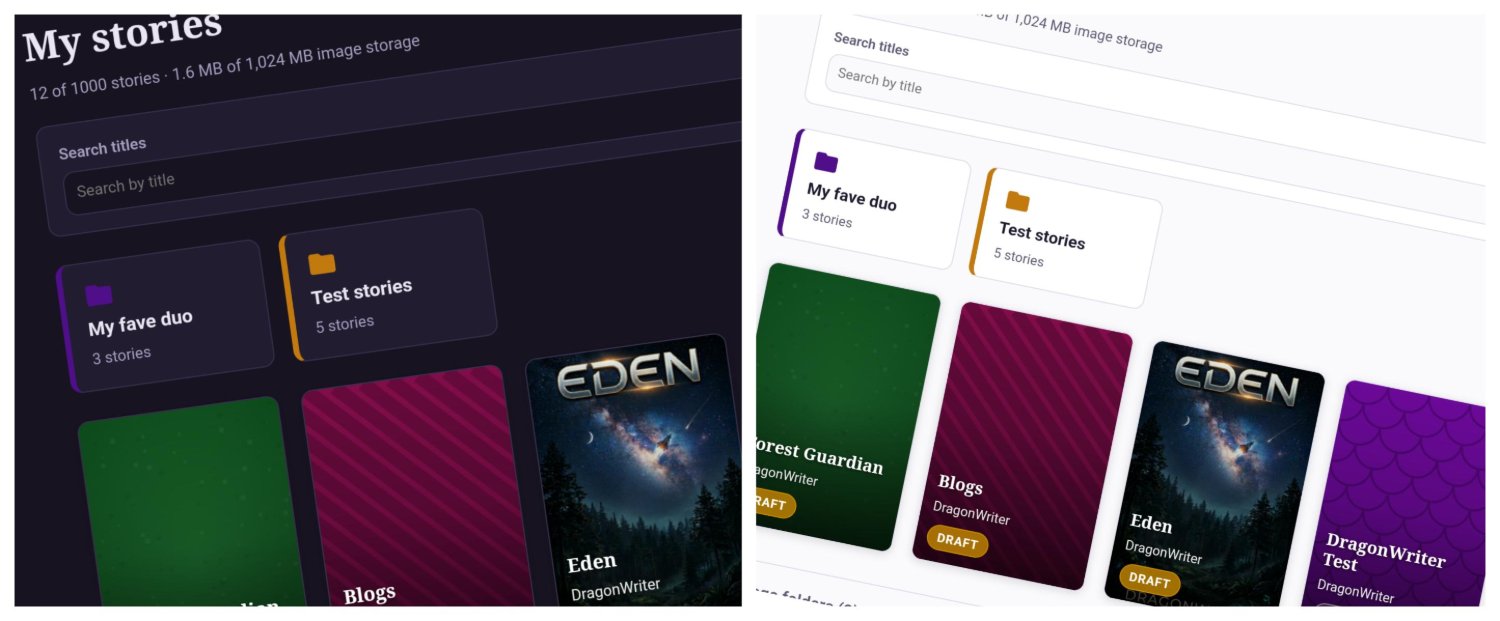
Light and dark mode
Easily toggle between light and dark mode in the app. Craft your stories how you like.
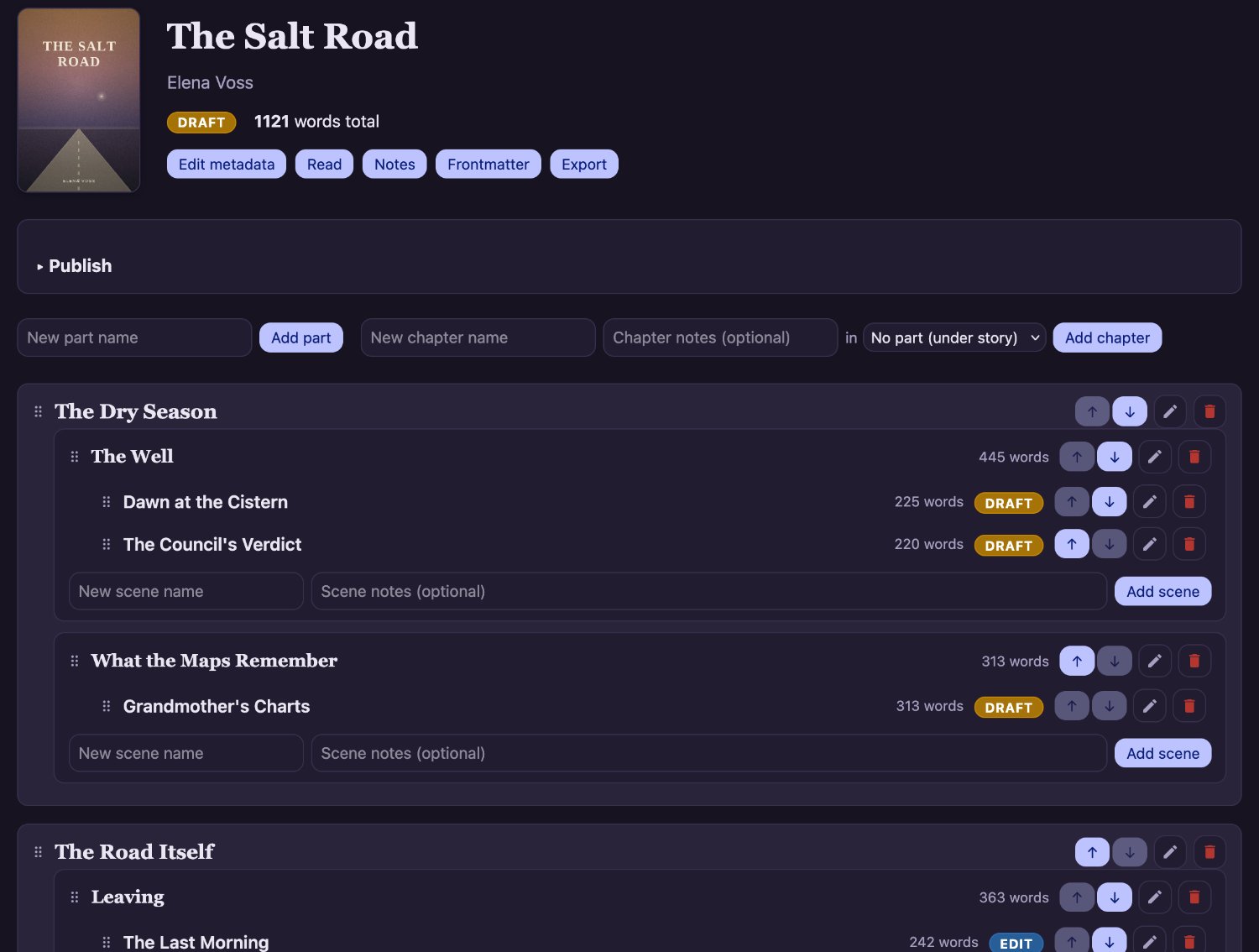
Craft your story
This app is packed full of features to help you organise and craft your story. Your structure can be as granular as you like, or you can just write everything in one gigantic scene!
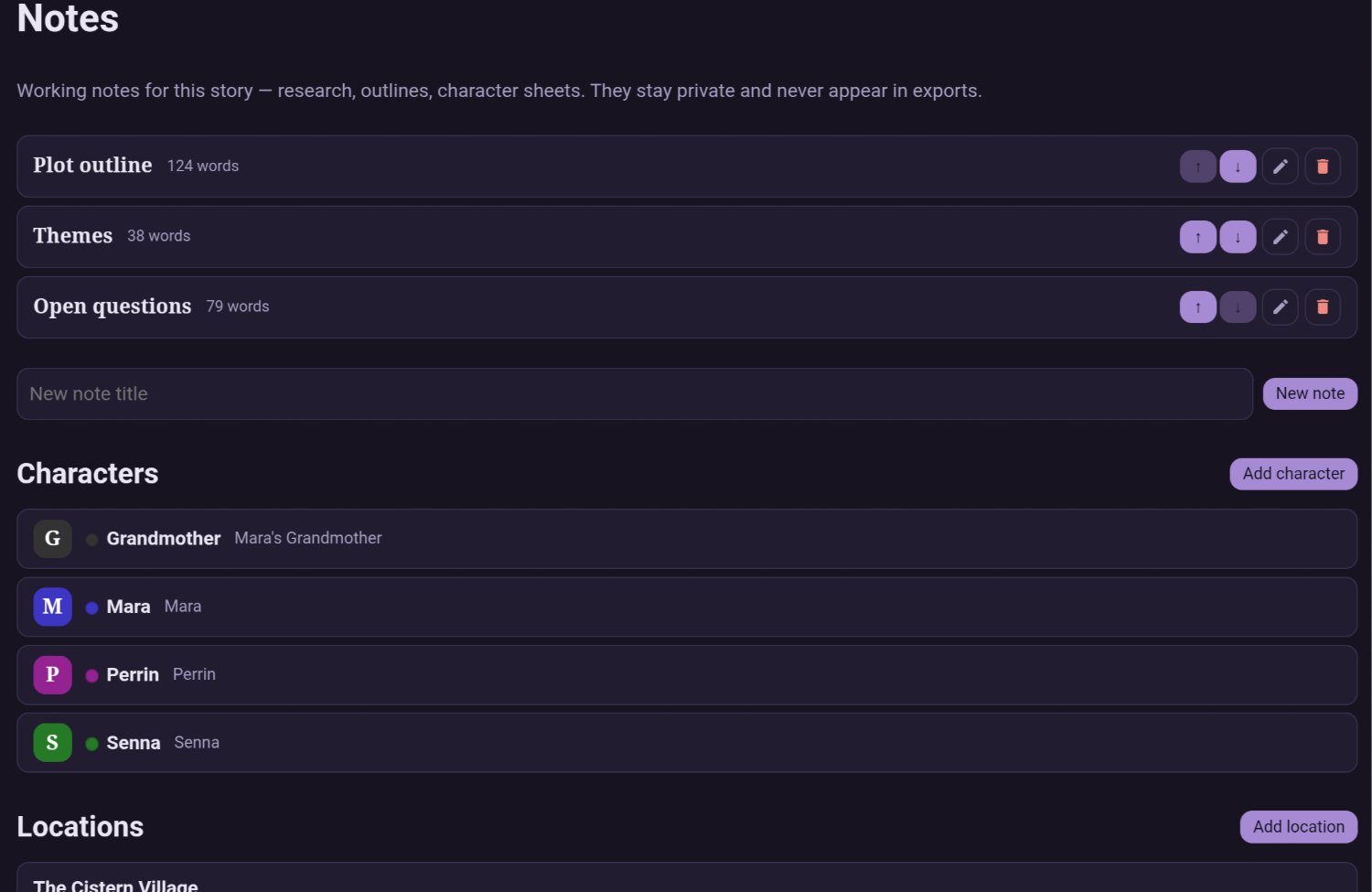
Story notes + characters and locations
You can add notes to help you keep track of your plot (or plot holes), as well as characters and locations that can be added to scenes for quick reference. Notes aren't published by default (unless you choose to include them).
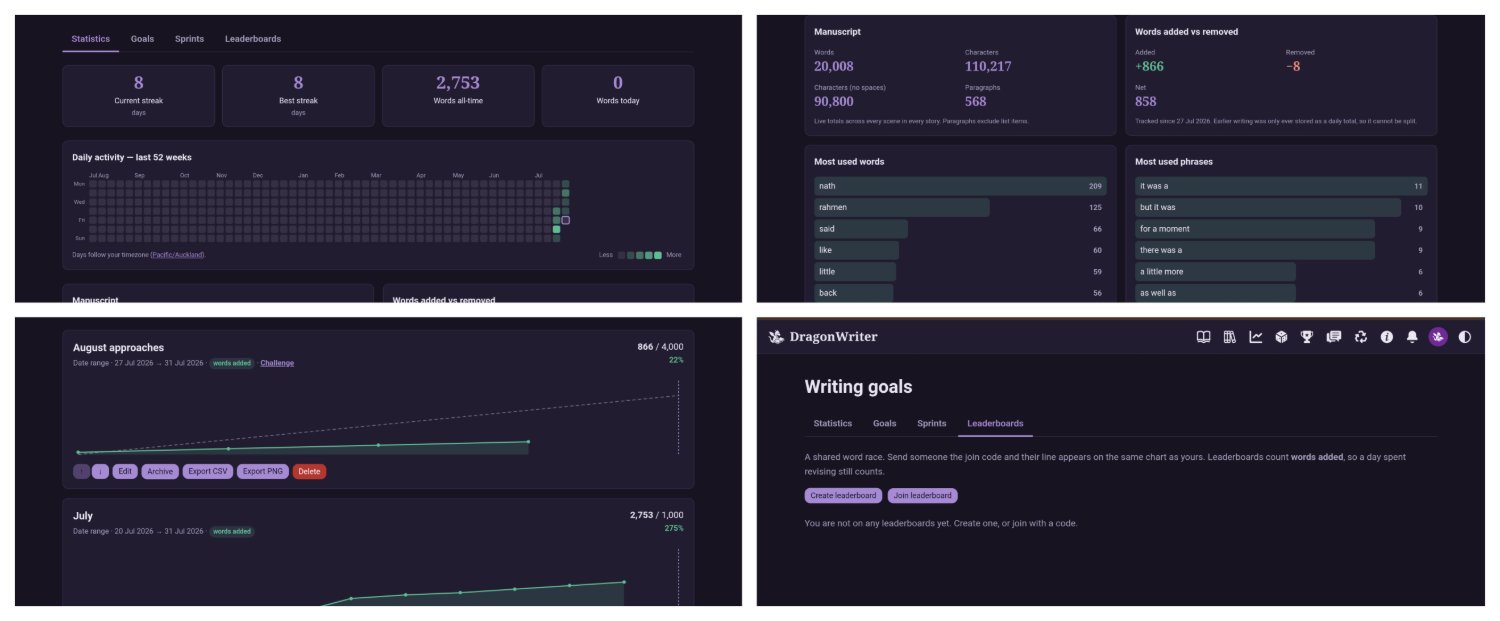
Statistics, goals, leaderboards
The goals section has detailed statistics about your writing, including streaks, word counts, and your most common words and phrases. Create goals, or even leaderboards (which are shared goals others can join).
Tools and community
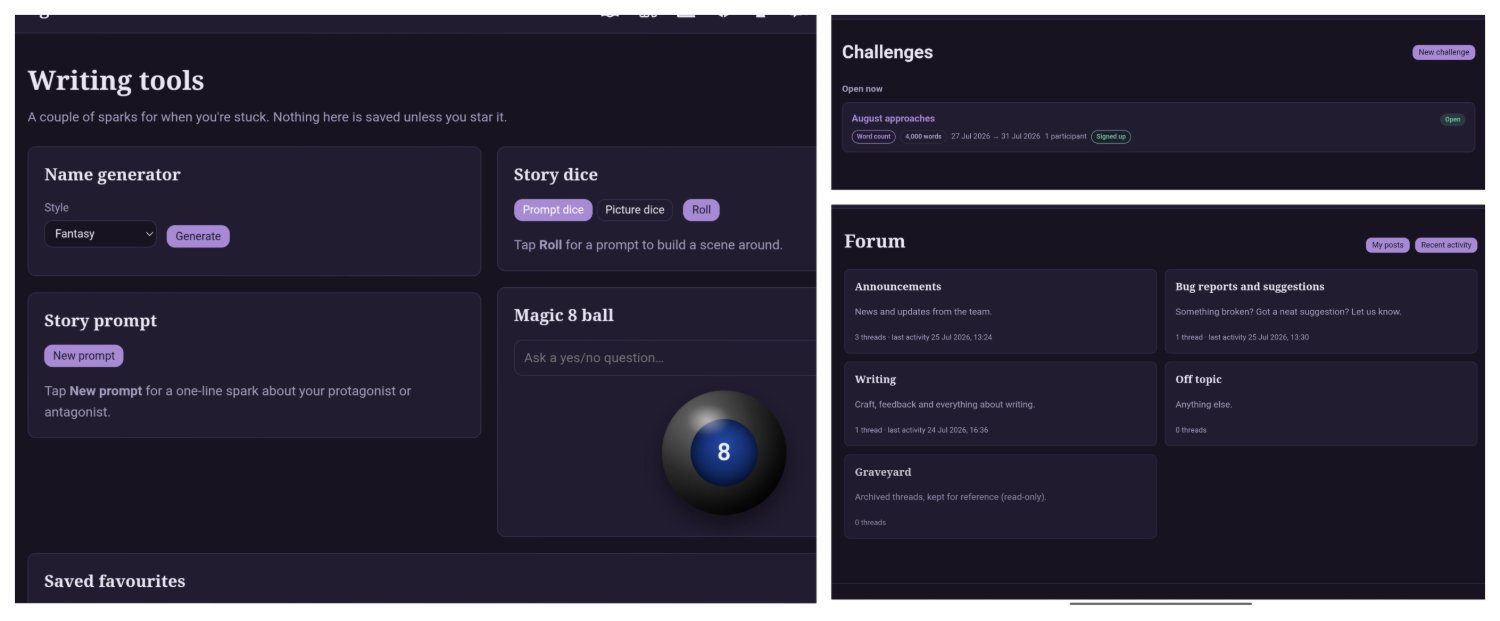
There are some fun writing tools in the form of name generators, prompts, and a magic 8 ball. Join in community challenges posted by the mods and admins, chat in the forum. Or, if you prefer, connect your account to Discord and carry on the conversation there. There are various bot commands to see your stats, goals, leaderboards, and even take part in group sprints.
Scene editor
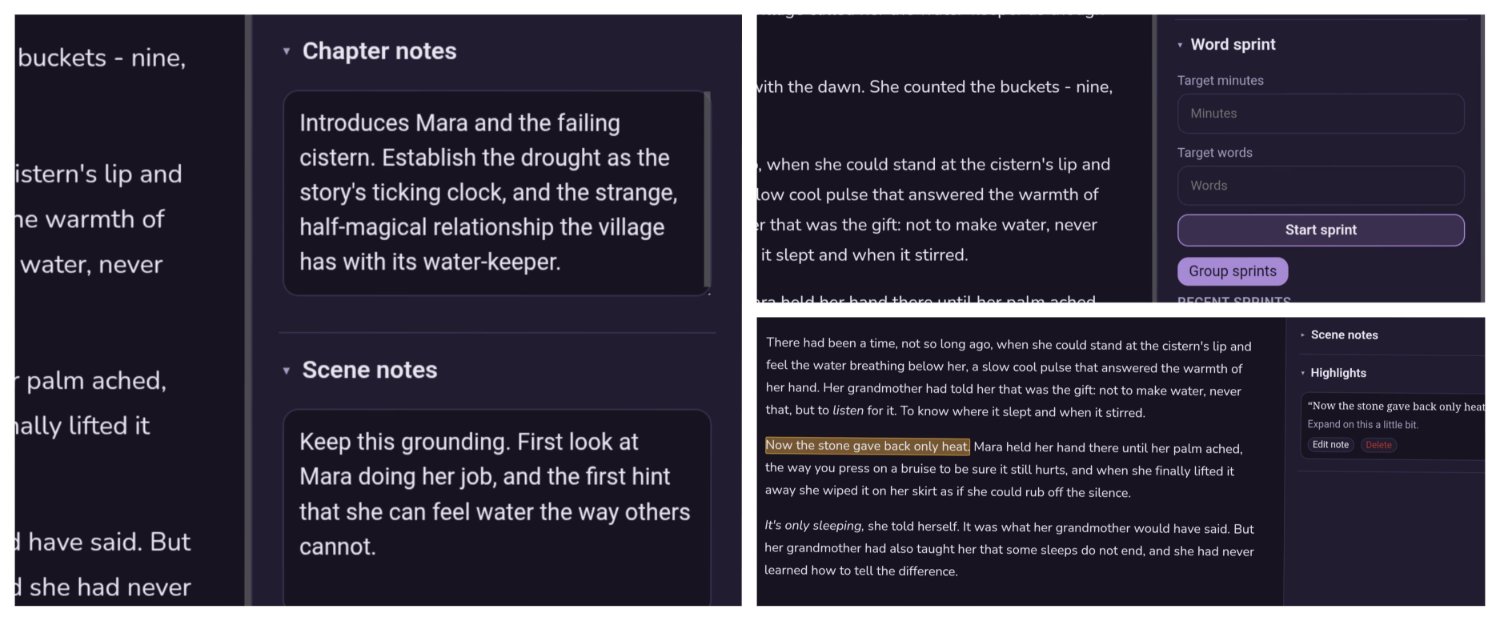
The scene editor is packed with features. As well as a fully-featured rich text editor, you can see your chapter and scene notes at a glance, start a personal word sprint to help motivate you, or make highlight notes for things you want to revisit later.
Your profile settings
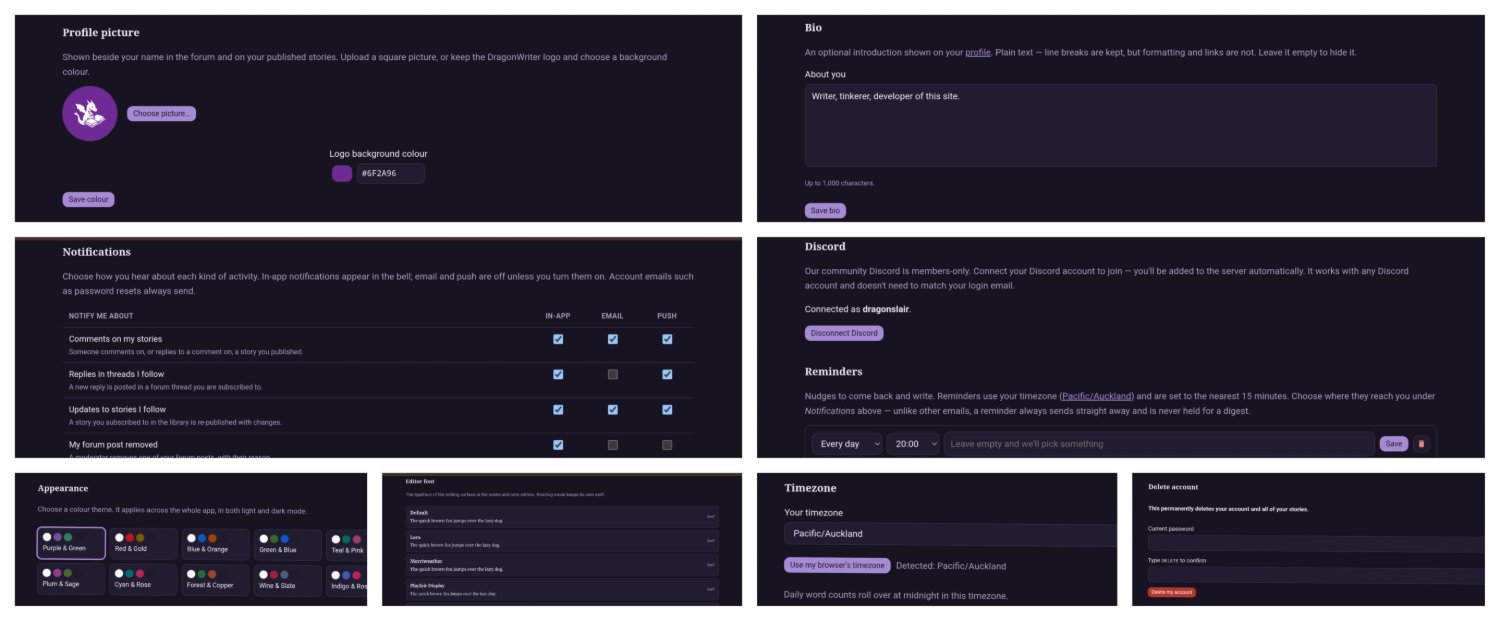
There are a bunch of really neat settings in your profile, too. You're assigned the dragon logo by default as your avatar - you can choose to keep this and customise your background colour, or upload your own avatar. Add in a bio, telling us about you. Customise your notifications. Connect to Discord. Set reminders. Choose from a range of colour themes and editor fonts. Set your timezone so the daily word count ticks over at midnight your time... or delete your account if you're done with us.
Focus and size options
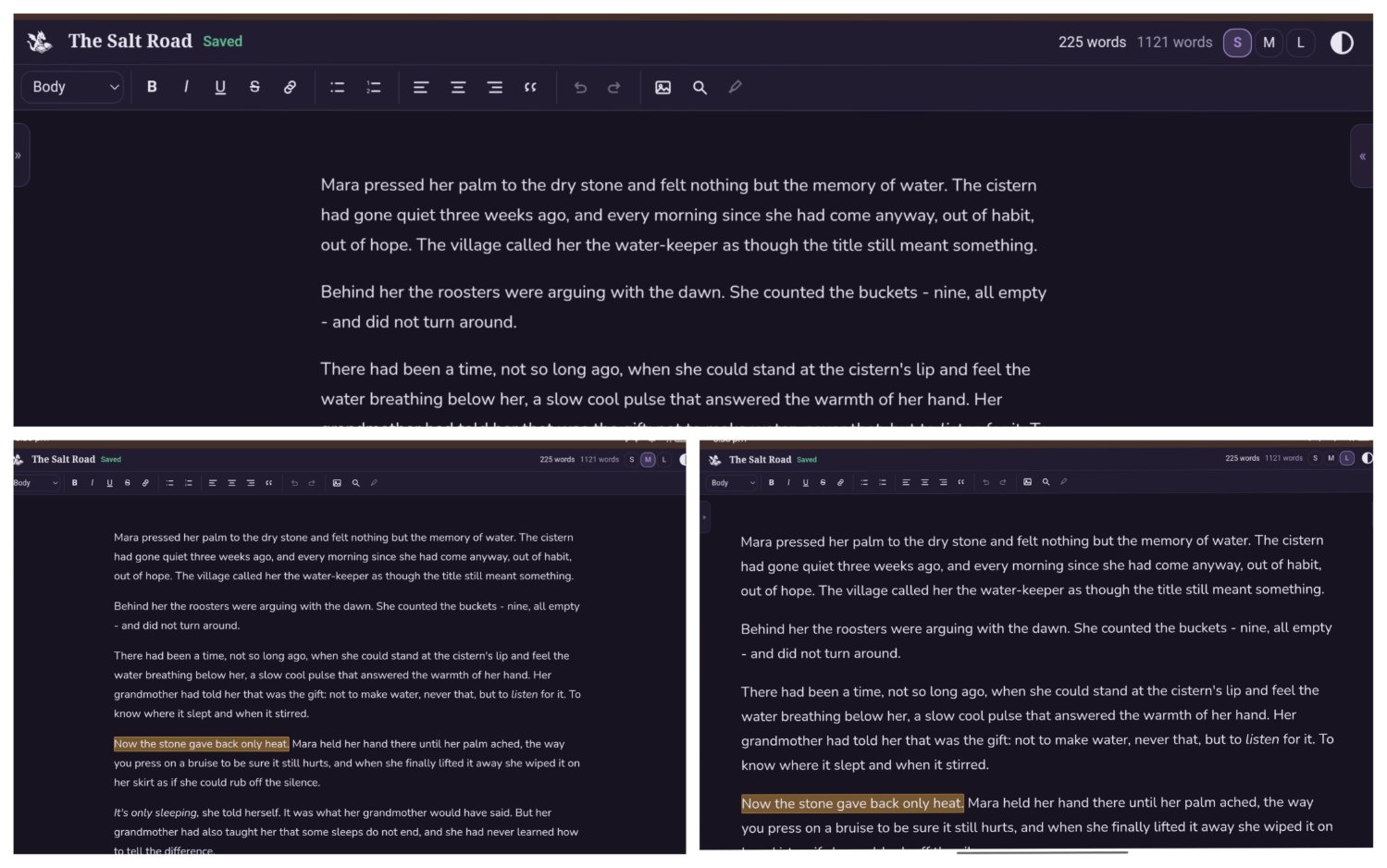
As well as being able to toggle between light and dark mode and the other cool things in the scene editor, you can slide away the drawers for a focused writing session. Just you and your words. And if the words are too small, you can make them bigger... or bigger again.
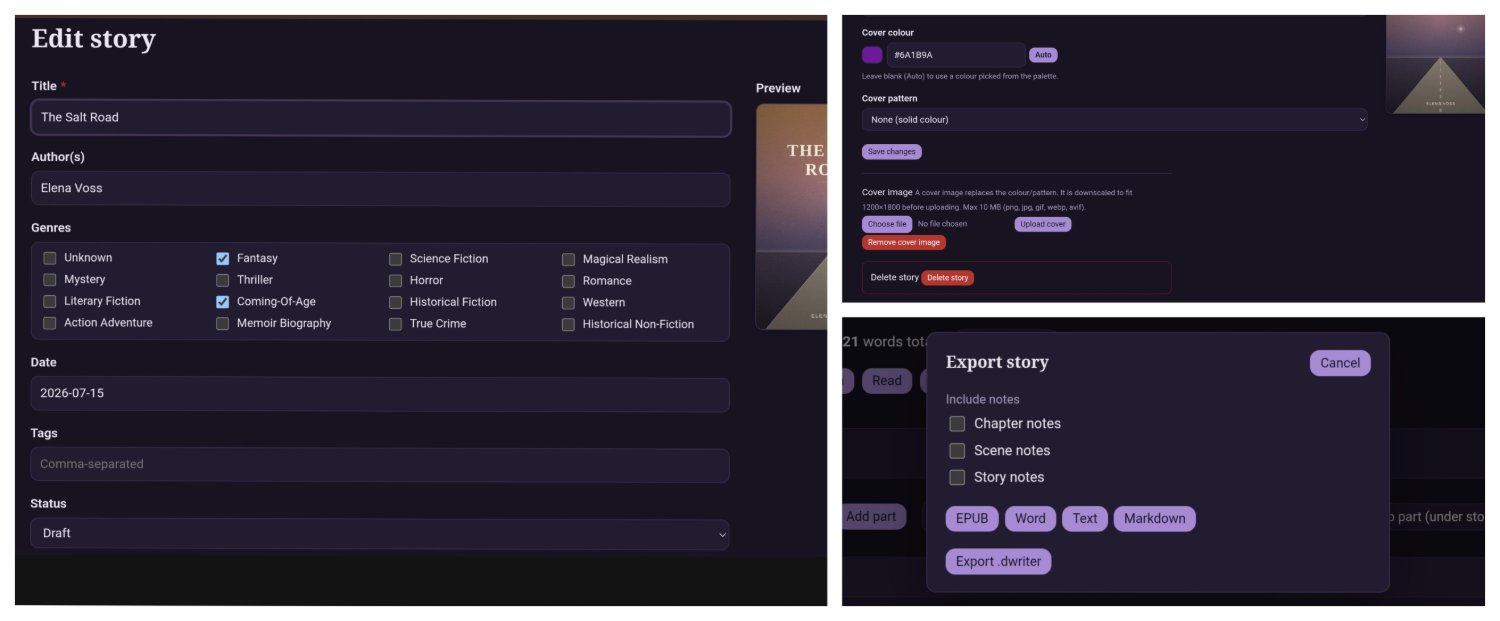
Story settings and export
Stories themselves come with a bunch of settings, and a bunch of export options. You're not tied in to staying here, you can take your stories with you whenever you want. If you export them as .dwriter, you can even import them back in if you ever decide to come back.